Appearance
Big boards
Boards grow. A topic map can hold a hundred cards. Xandria keeps a big board easy to read and get around.
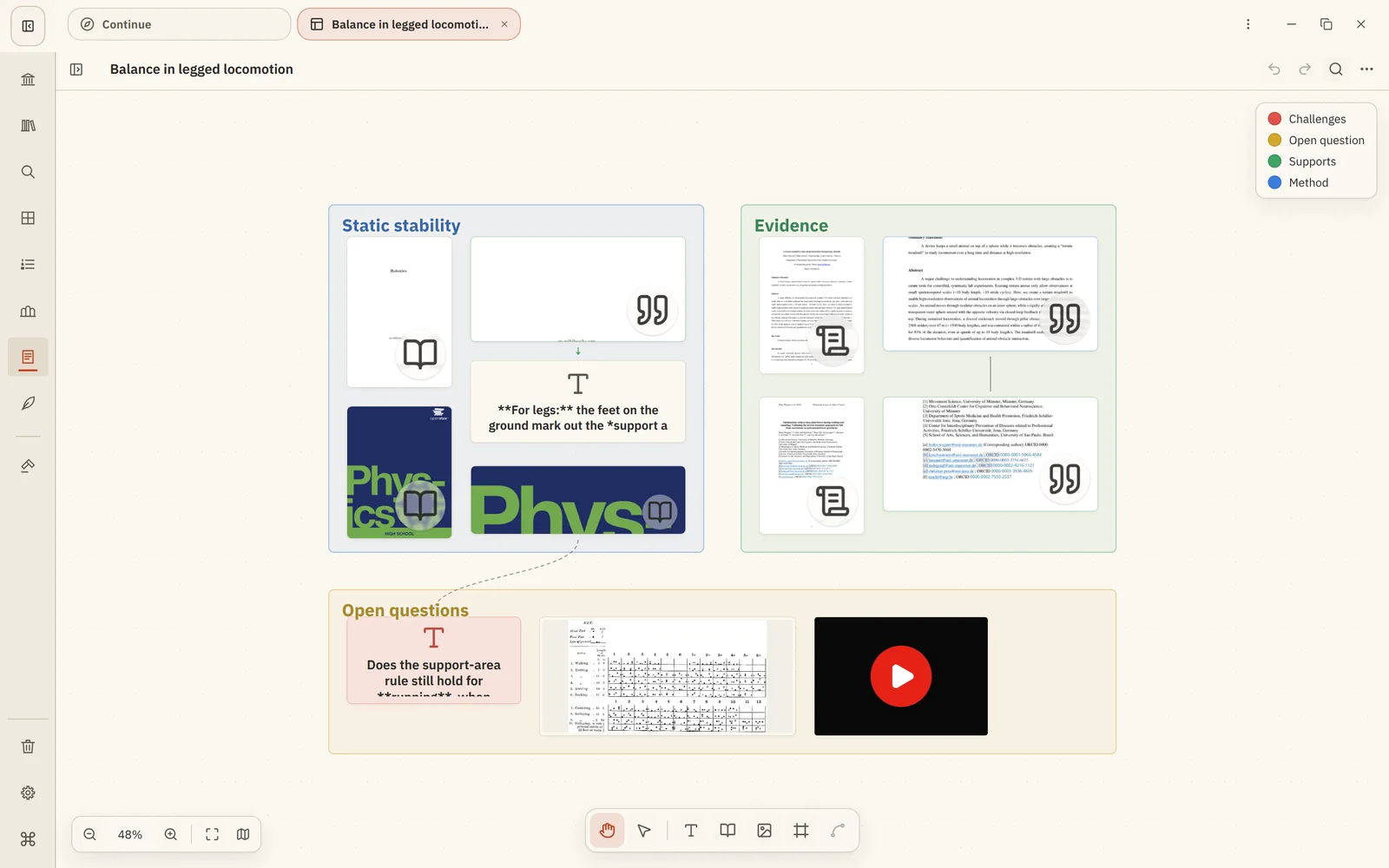
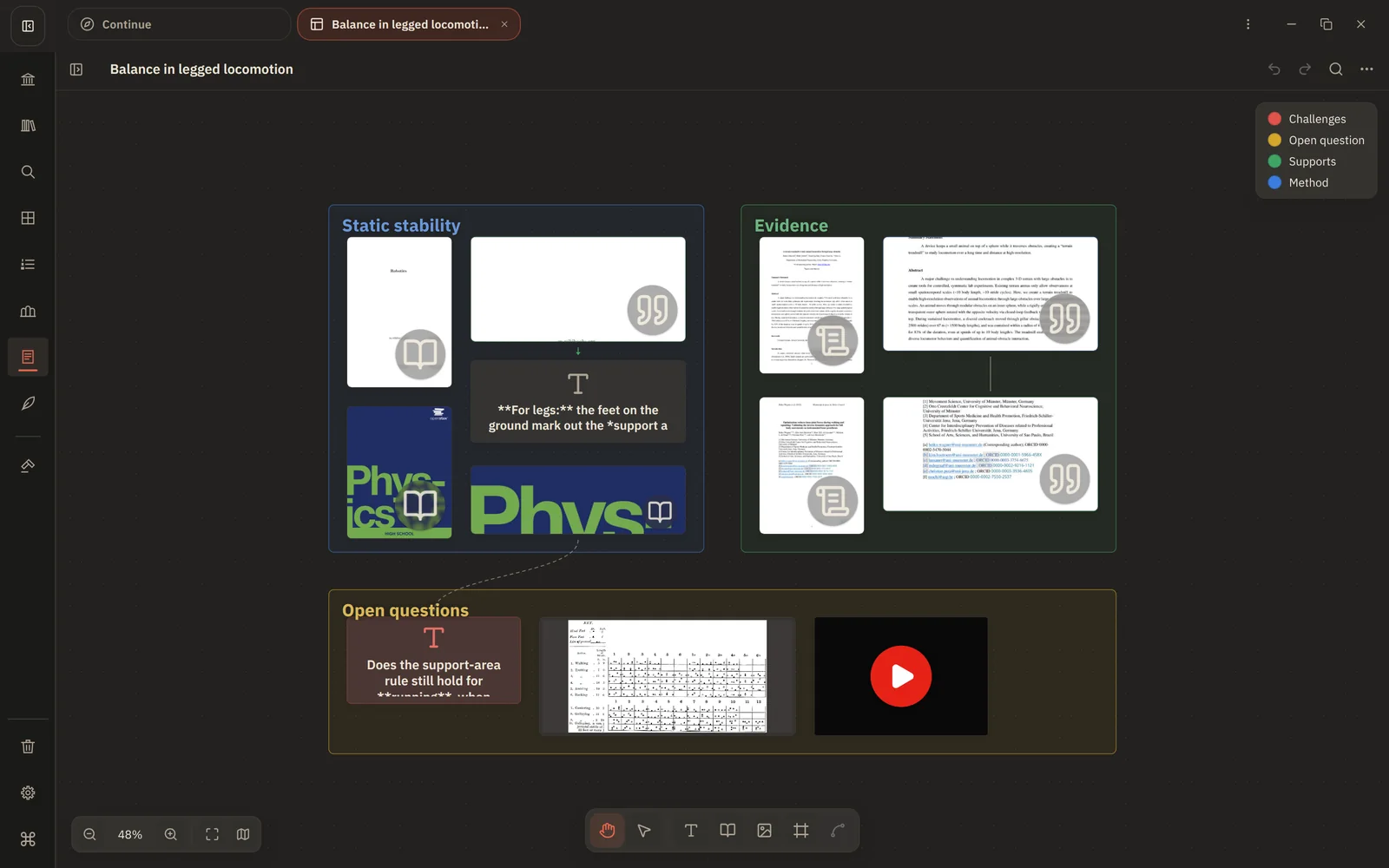
Zoom out to see the shape
Below half size, cards switch to a simple overview face: their colour, a large icon for the card type and the title. You can read the whole board at a glance instead of squinting at tiny text. Images and videos keep their pictures. Zoom back in and the full cards return.
The minimap
The minimap in the corner shows where you are on the board. Click or drag in it to jump. Its key shows which colour and icon is which. Hide it with Hide minimap when you don't need it.
Find a card
Search board objects finds cards, frames and connections by their text, caption, quote, source title or label. Choosing a result takes you to it.
Fit to view
Fit board zooms to show everything. To tidy a frame, select it and choose Fit frame, which resizes it snugly around its cards.
Boards in Collections
Add a board to a Collection to keep it with the books and notes it's about.
Next: Find anything