Appearance
Collections
Collections are your own way of organizing, independent of where files came from. Put books, papers, notes, book notebooks and Canvas boards together for a course, a project or a question, and nest Collections inside each other like folders.
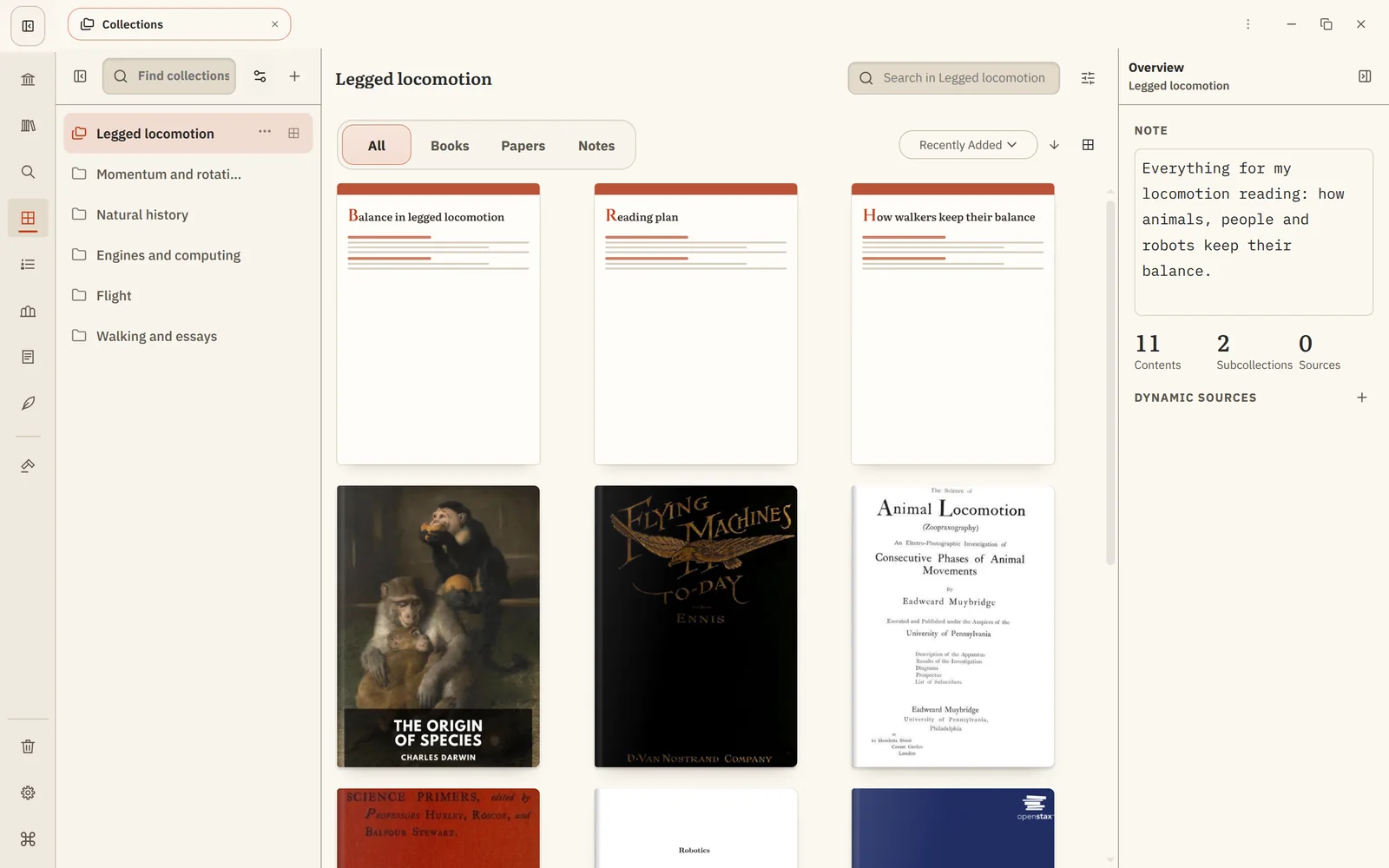
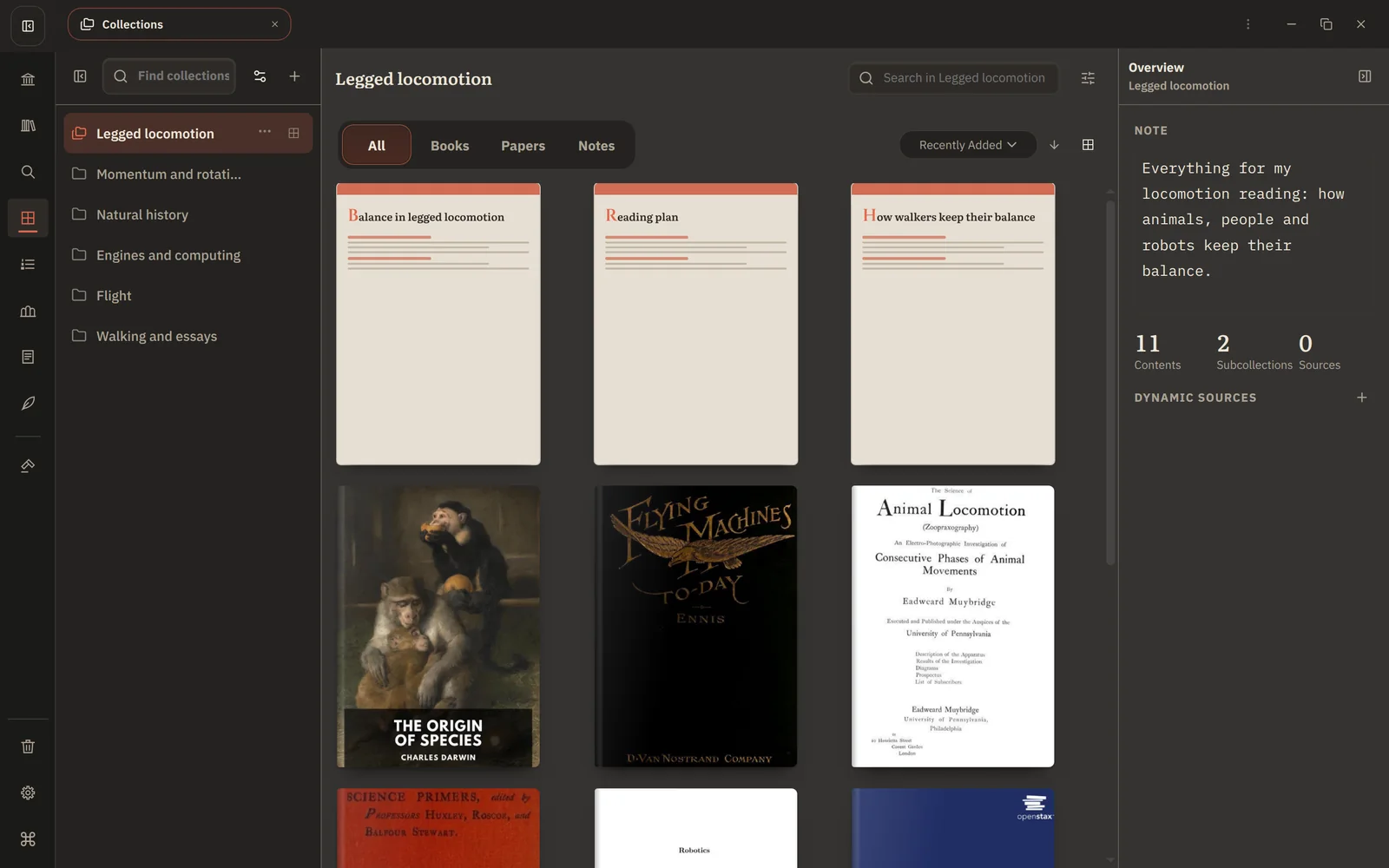
Create a Collection
Open Collections from the rail and choose Create collection. Inside a Collection, Create Subcollection adds one beneath it.
Add things
- Right-click any book, paper or note and choose Add to collection…, then pick where it goes. You can create a new Collection right in that picker.
- Drag books from Library, Home or another Collection onto a Collection.
- Add a Canvas board from its menu in Notes.
Adding never moves or copies anything: the same book can sit in as many Collections as you like.
Collections that fill themselves
A dynamic source adds everything that matches a rule, now and in the future. Choose Add Dynamic Source, then build the rule from conditions such as:
- Author, Publisher or Series
- Subject, Topic or Genre
- Domain / Topic from your Domains
- Tag, book category or document type
Conditions combine with All Conditions (and). Use Negate condition to exclude something, for example Topic: Robotics but not Tag: draft. Choose whether the rule adds Readables, Notes, or Readables and Notes.
When a new paper by that author arrives, it appears in the Collection on its own.
- Remove an item a rule added, and it stays removed.
- Pin an item to keep it even if the rule changes.
Find inside a Collection
Search a Collection's contents from its own search box, and turn on Include subcollections to see everything beneath it in one list.
Collections or reading lists?
- Collections answer "how do I want to organize this?"
- Reading lists answer "what should I read next, in what order?"
A book can be in both.