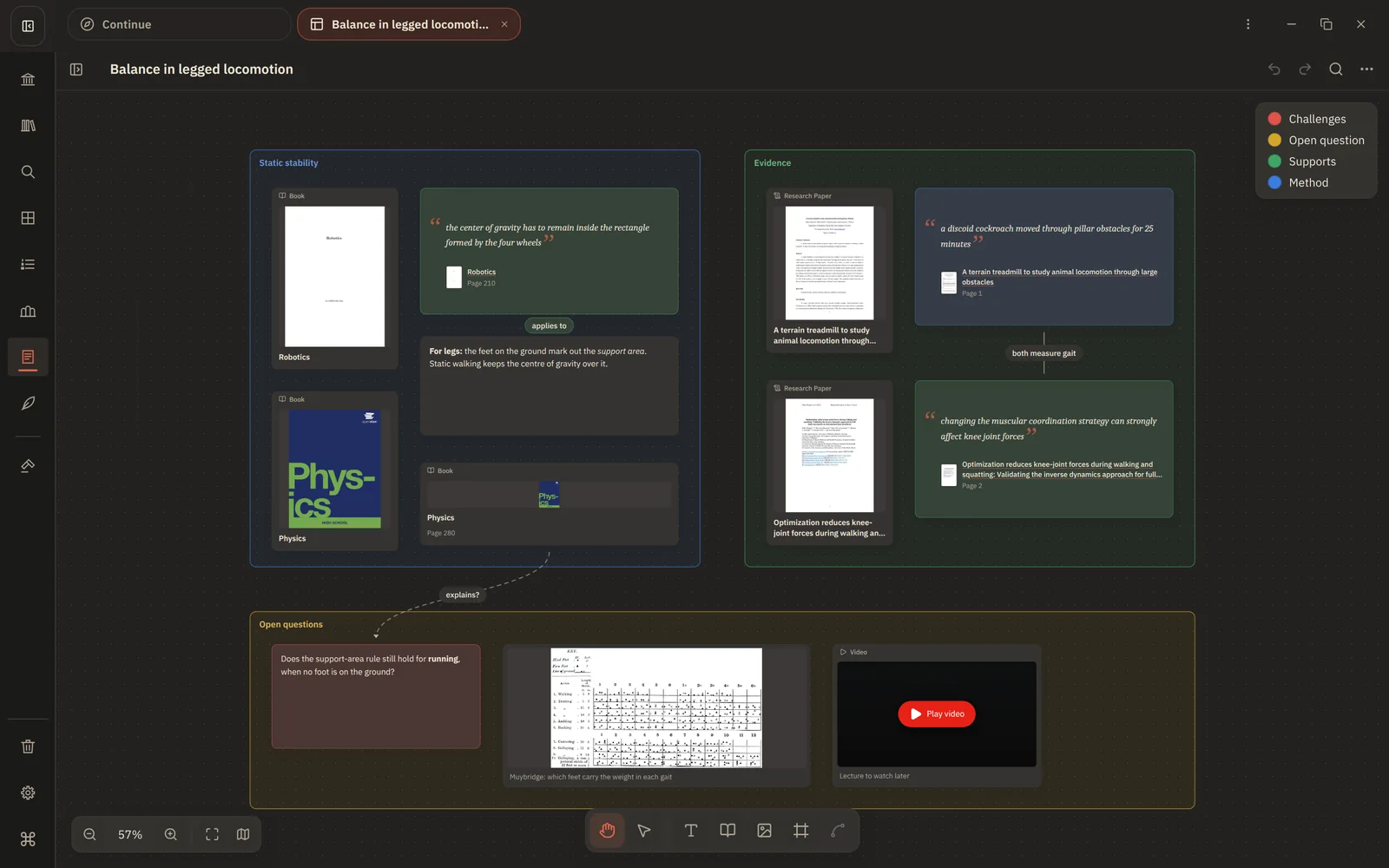
Appearance
Map a topic on Canvas
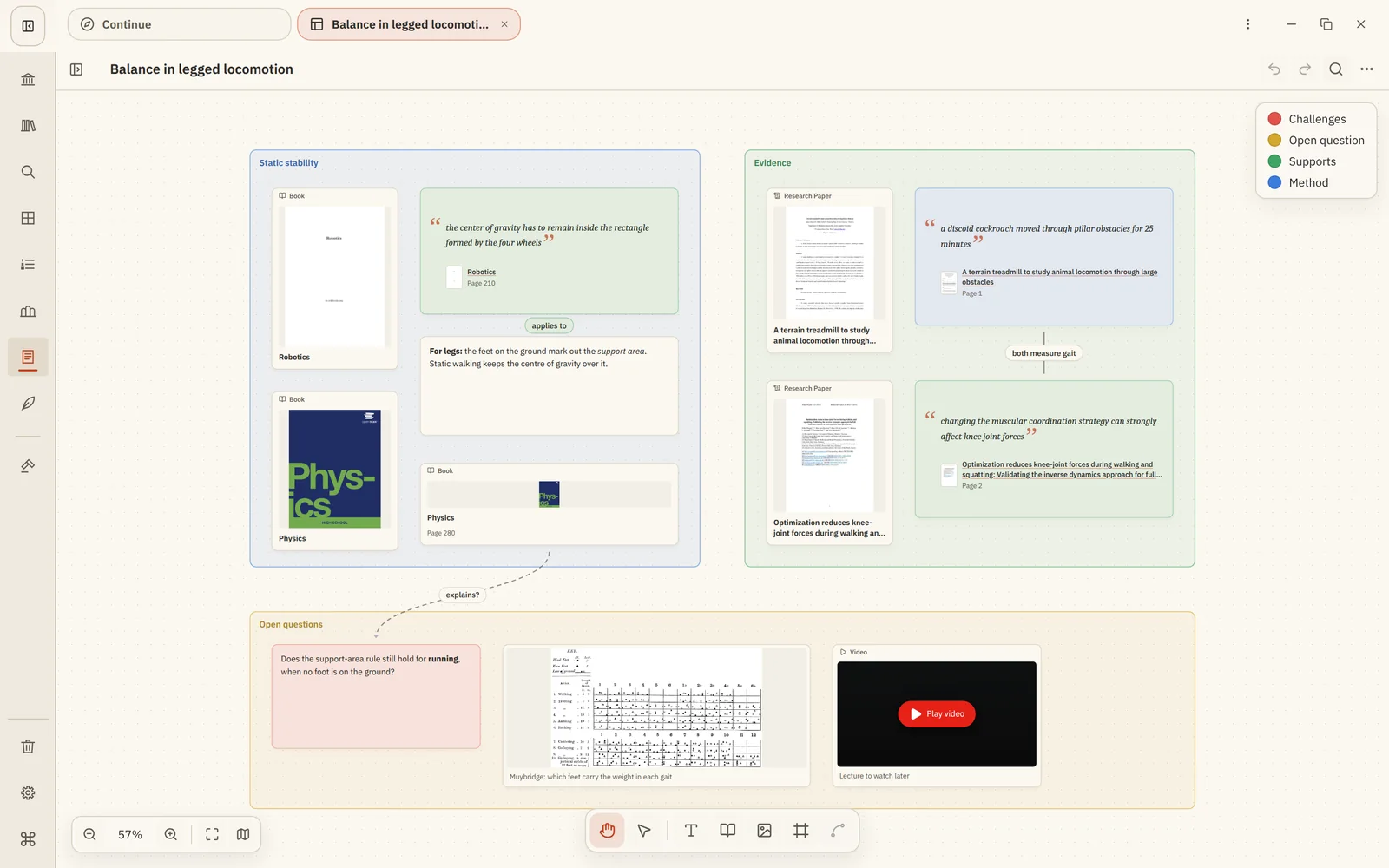
You'll end up with a board that shows a topic at a glance: its main ideas, the sources for each, how they relate and what you still don't understand.
1. Start from what you have
Create a board in Notes (+ → New canvas). Add the key books and papers with Library Item Card, or drag them in from a Collection or from Domains.
2. Frame the big ideas
Make a frame for each main idea or sub-question, such as Static stability, Evidence and Open questions. Drag the sources into the frame they belong to.
3. Bring in the key passages
In the reader, select a sentence that captures an idea, choose Copy as quote and paste it on the board. The quote card keeps its source, so you can open the page again from the board.
4. Connect and label
Draw connections between ideas and label them: applies to, contradicts, explains?. Give colours a meaning in the Colour legend.
5. Mark what you don't know
Add text cards for open questions and colour them as questions. They become your next reading.
6. Step back
Zoom out to see the whole map. Cards switch to simple faces so the shape stands out. See Big boards.