Appearance
Plan a reading list
You'll end up with a reading order for a course, a project or a new field, with your progress tracked as you go.
1. Collect the candidates
Search your library for the topic, browse a Collection or a Domain, or save things with Read later as you come across them.
2. Make the list
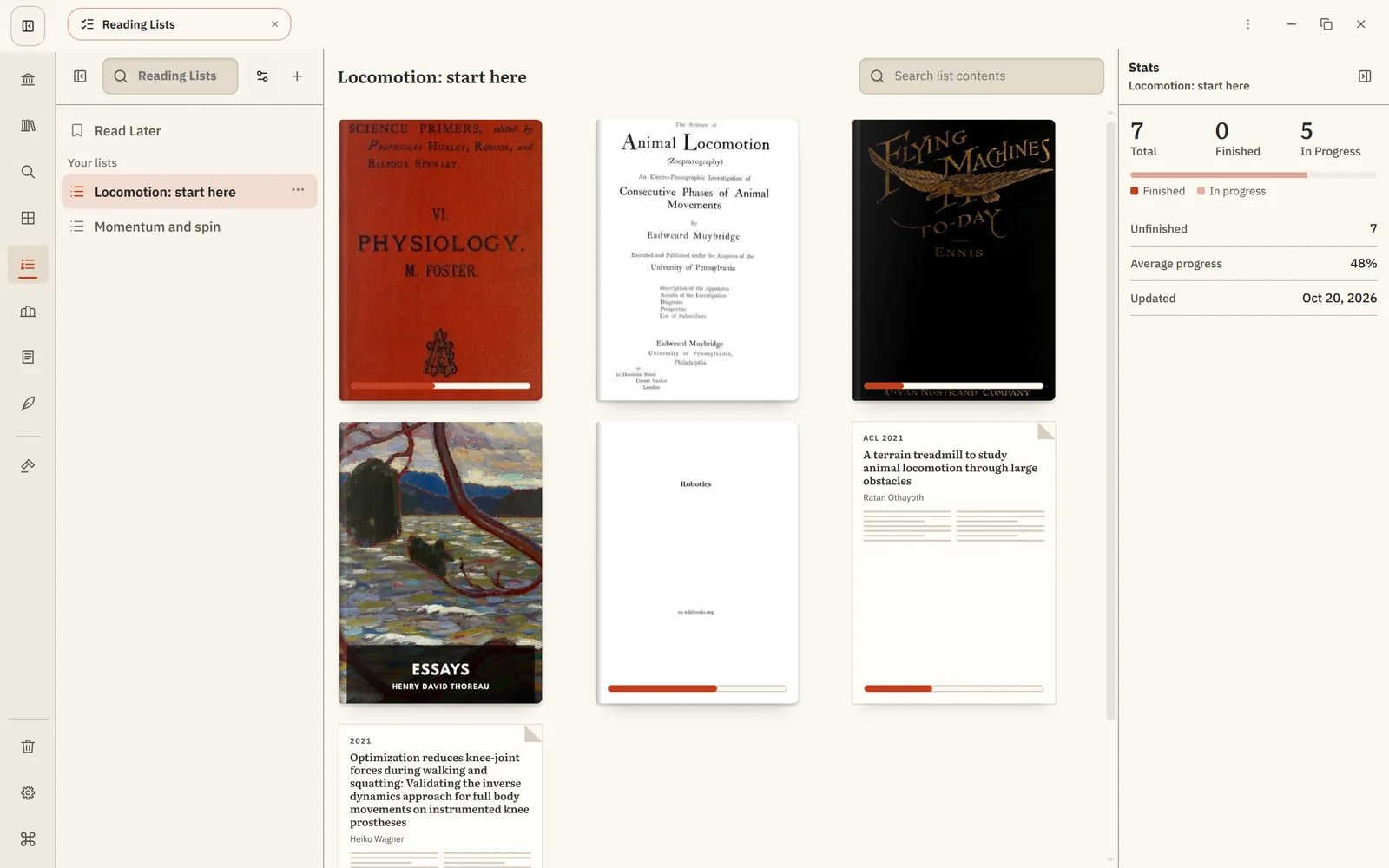
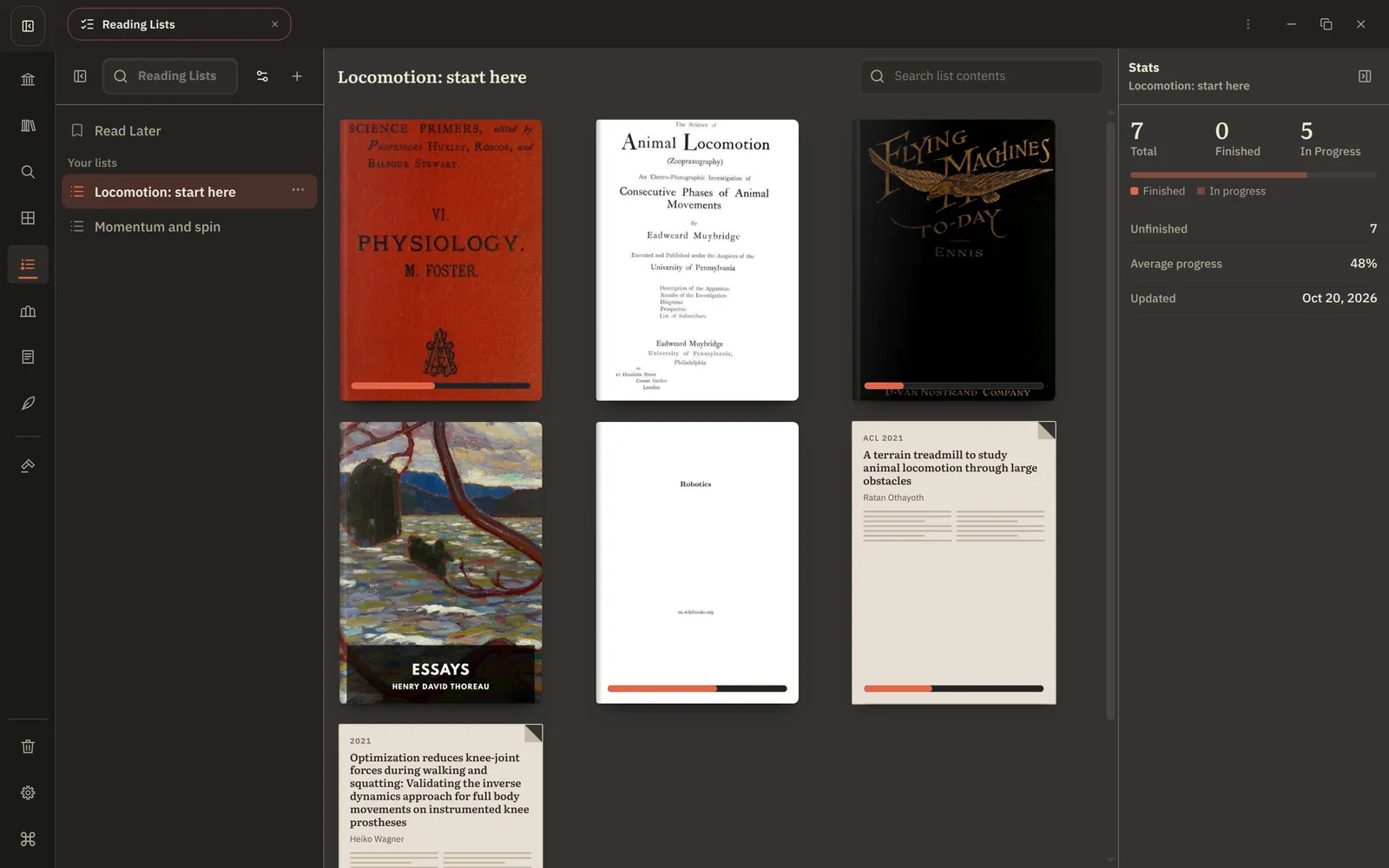
Open Reading Lists, choose New Reading List and name it, for example Locomotion: start here. Add each source with Add to reading list…, or drag it onto the list.
3. Put it in order
Drag entries into the order you'll read them: foundations first, then surveys, then the specific papers. A good order turns a pile into a course.
4. Work through it
Open the next entry and read. The panel on the right shows what's finished, in progress and left. The book you're reading also appears on Home.
5. Adjust as you learn
Reorder when you find a better starting point, and remove what turned out not to matter. Removing an entry never affects the book or your highlights.