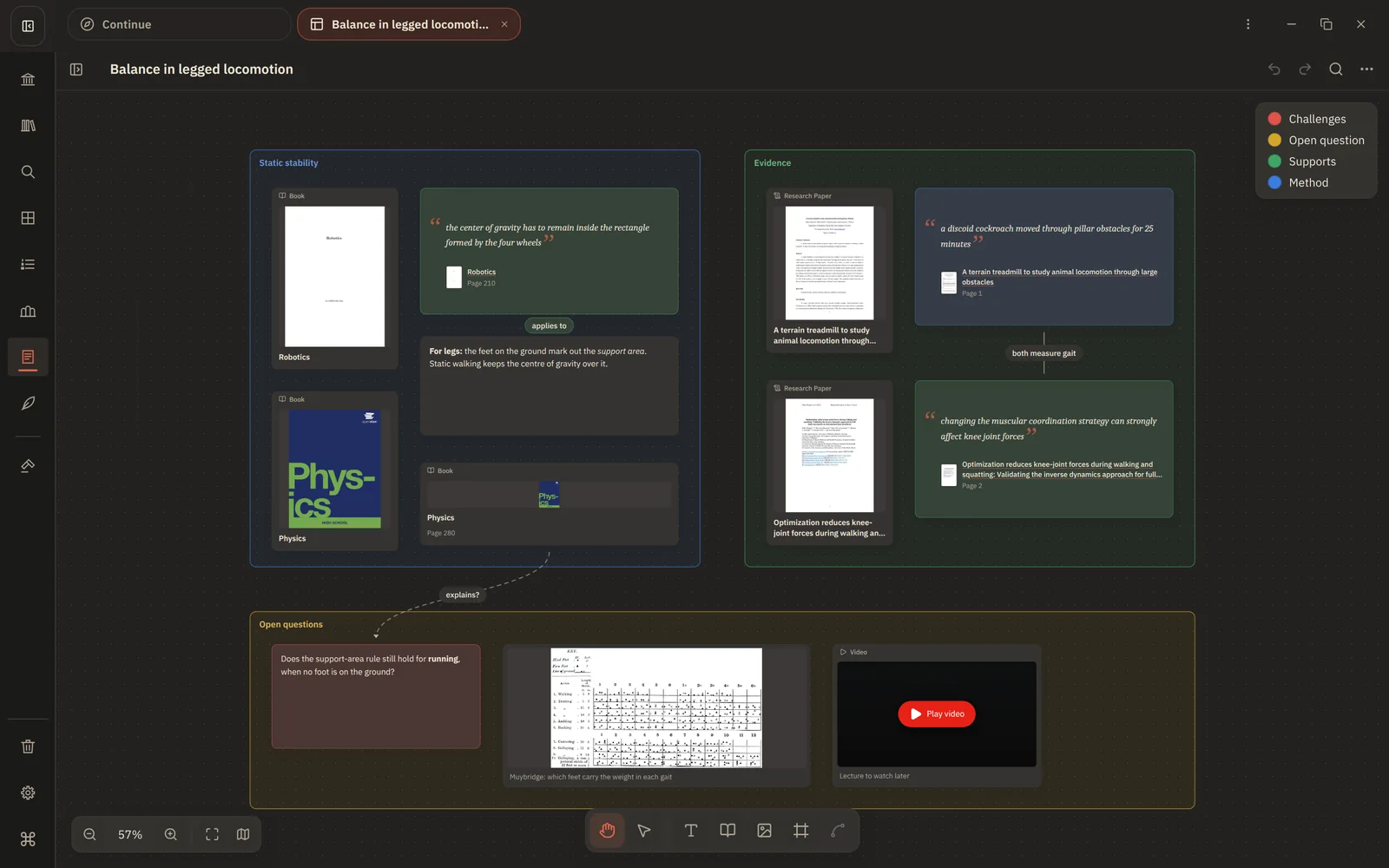
Appearance
Card types
Each card shows a small label with its type, so a busy board stays readable.
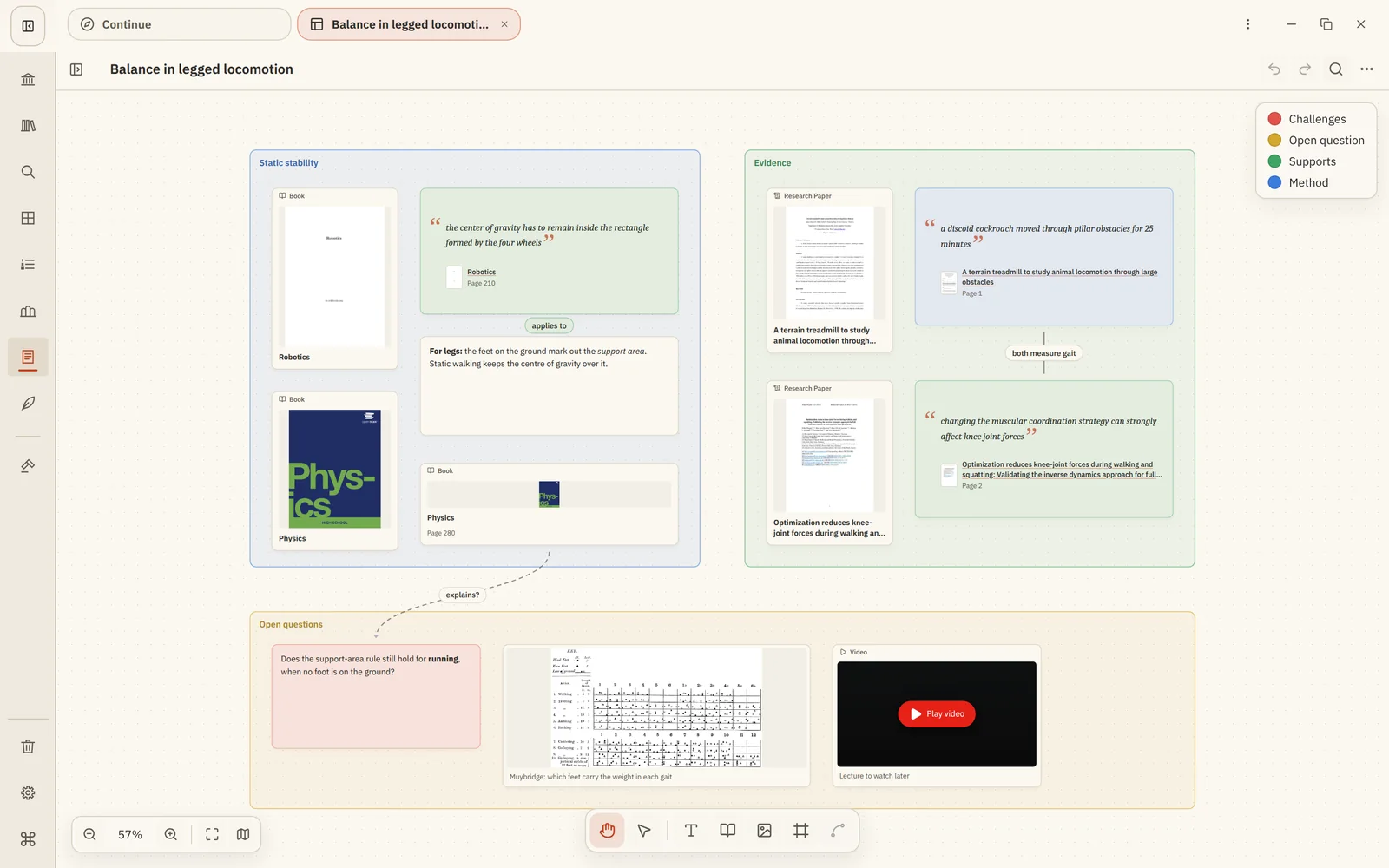
| Card | What it shows | Made by |
|---|---|---|
| Text | Your own words, formatted Markdown. | Text card tool, or pasting text. |
| Book, Research Paper, Document | The cover, title and author of an item in your library. The label follows the item's type. | Library Item Card, or dragging from Library. |
| Location | A book and an exact page or chapter, such as Physics, p. 112. | Pasting a link copied in the reader. |
| Quote | The words you quoted, with the book's cover, title and page underneath. | Pasting text copied with Copy as quote. |
| Note | A note from your Notes, with its title and a preview. | Library Item Card, or dragging from Notes. |
| Image | A picture, shown at its own proportions. | Image tool, dropping or pasting an image. |
| Video | A YouTube video with its thumbnail. It plays on the board when you press Play. | Pasting a YouTube link. |
On every card
- Caption: a short line under the card for your own label.
- Colour: one of eight colours. Give the colours meanings in the board's Colour legend, such as supports and challenges.
- Lock: keep a card from moving or resizing by accident.
- Open: quote, location, book and note cards open their source at the right place.
What cards don't do
Cards point to your library; they don't copy it. Editing a note shows up on its card, and a card on a board never changes the book or note it refers to. Videos load only when you press Play, and pasting an ordinary web link doesn't fetch anything; it stays as text.
Next: Frames and connections