Appearance
Write notes
Notes are where your thinking goes: summaries, questions, outlines, drafts. Each note is plain Markdown that saves as you type, and it can point to the exact page or passage that prompted it.
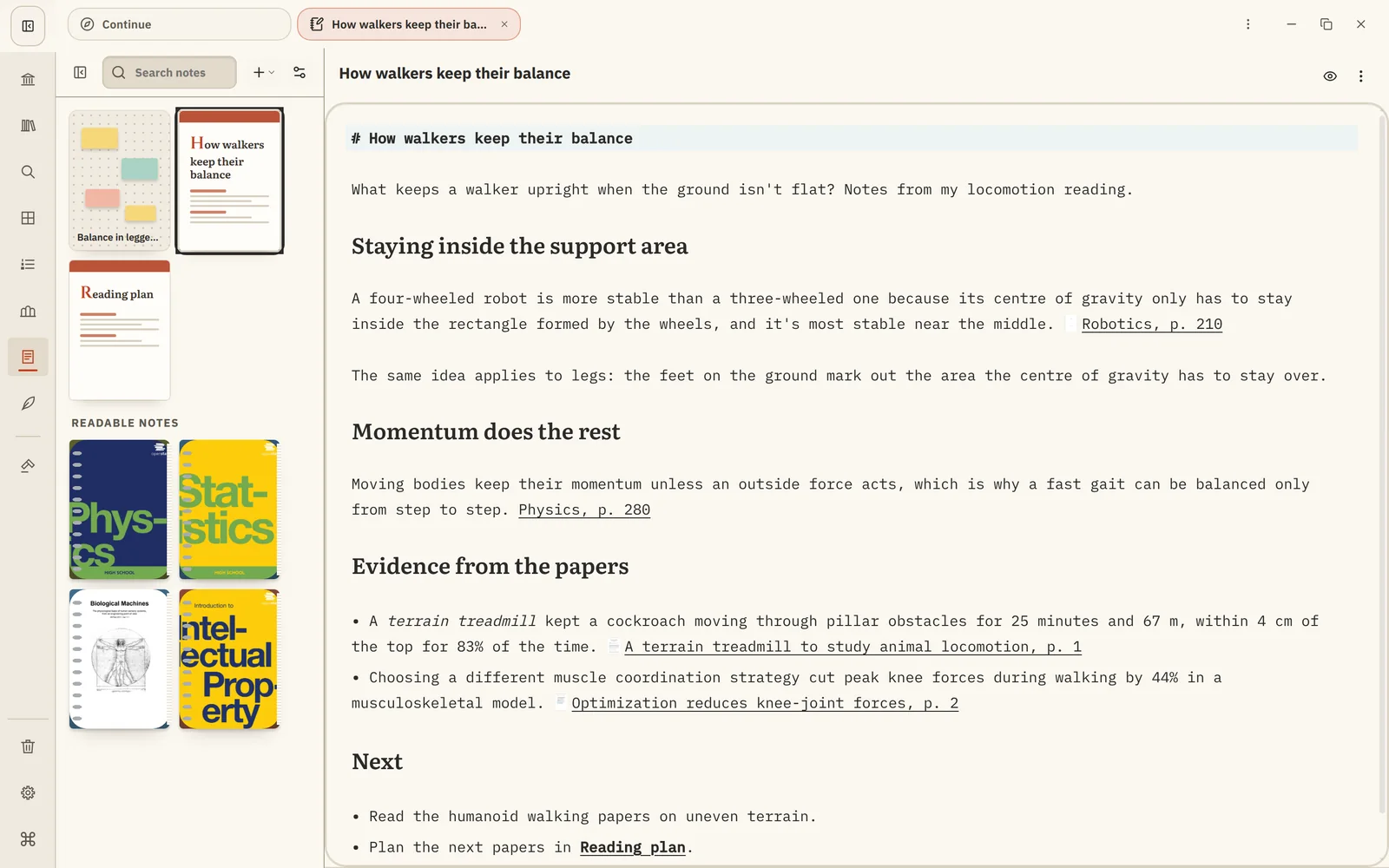
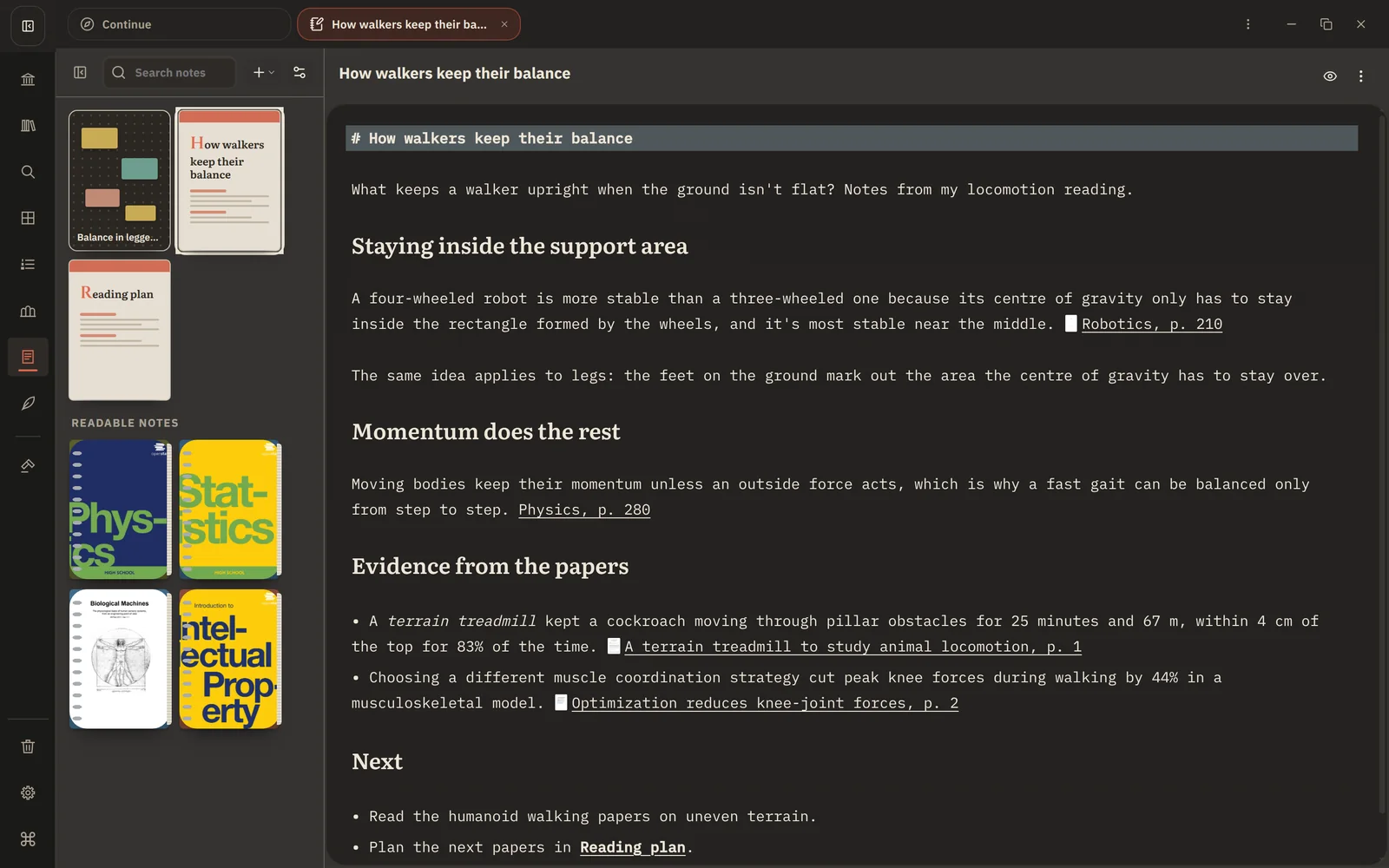
Notes and notebooks
The Notes place has two kinds of writing:
- My Notes: notes you create yourself, about anything.
- Book notebooks: one per book, filled with your highlights from it. See Book notebooks.
Your Canvas boards live here too. See How boards work.
Create a note
In Notes, choose + and then New note, give it a name and start writing. Headings, lists, tables, quotes and code all use ordinary Markdown, shown formatted as you write. Notes save automatically.
You can also:
- Draw: insert a simple drawing right in the note.
- Preview slides: choose Preview Slides from the note's menu to present it as slides. Put a line with just
---where each new slide starts. Tables, images, maths and Mermaid diagrams all work. - Add a cover: give the note its own cover in the sidebar.
Link notes together
Type [[ and a note's name to link to another note, like [[Thermodynamics]]. Use [[Thermodynamics|heat]] to show different text. Links keep working when you rename a note.
Link to what you read
The most useful notes point back to their sources. Copy a link to a page, passage or highlight in the reader and paste it into a note; it shows the book's cover and opens at that exact spot. See Link to pages and passages.
Keep notes organized
Save a note to a Collection next to the books it's about. Deleted notes go to the Trash, where you can restore them.