Appearance
Xandria on mobile
Coming soon
Xandria for Android, iPhone and iPad isn't available to download yet. This page shows what it does, so you know what to expect.
Xandria on your phone or tablet is the same library in your pocket. Sign in with the account you sync with on your computer, and your books, your place in each one, your highlights and your notes are there.
Home
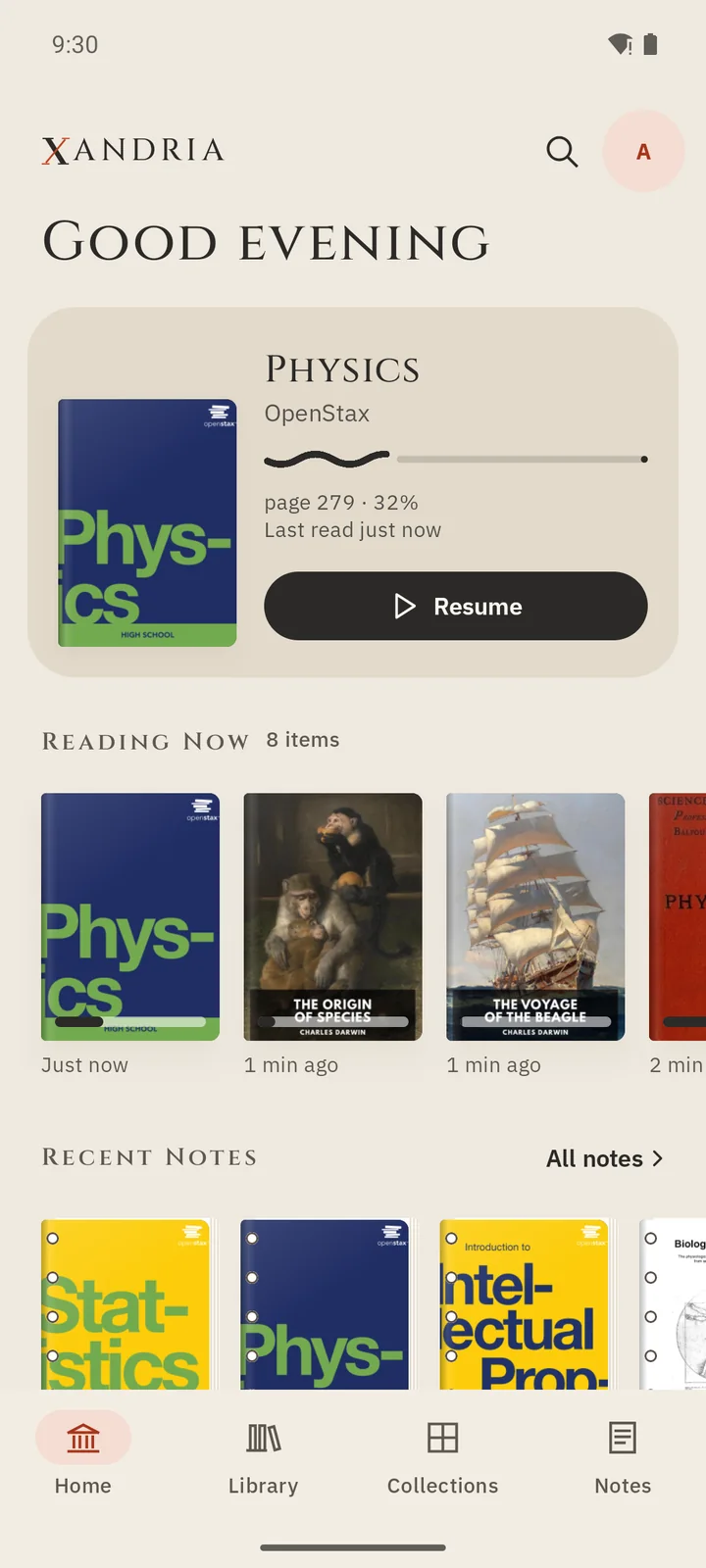
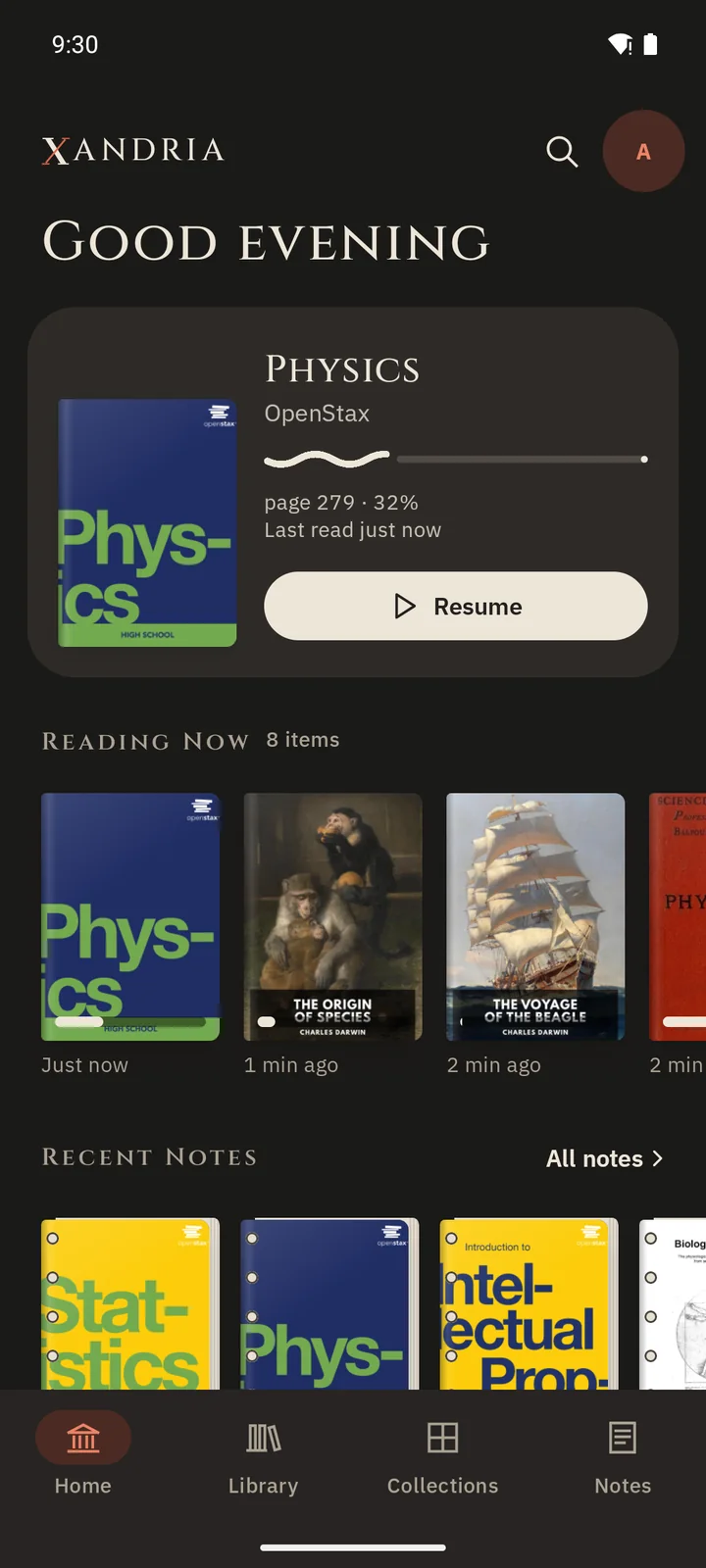
Home opens on the book you were last reading, ready to resume at your page. Below it are the books you're in the middle of and your recent notes.
Library
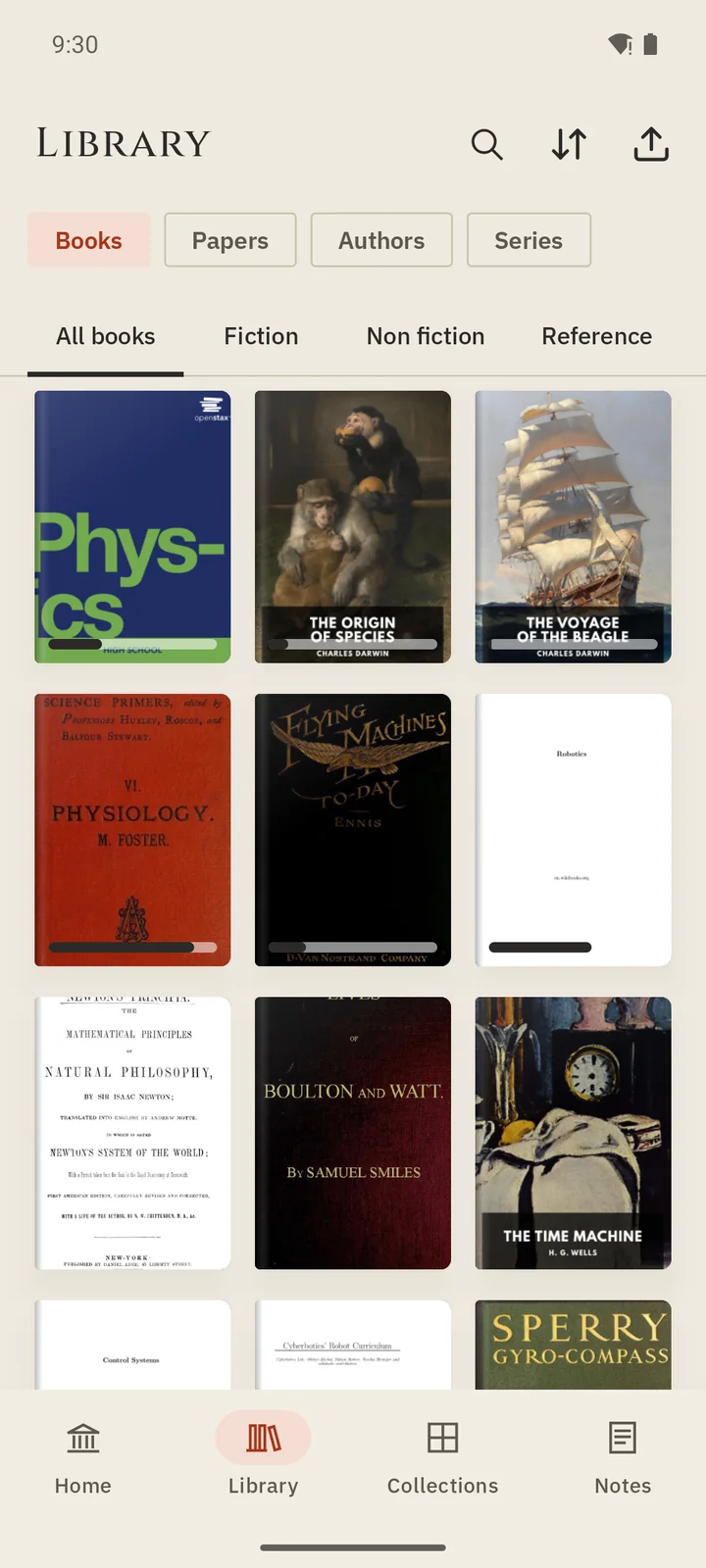
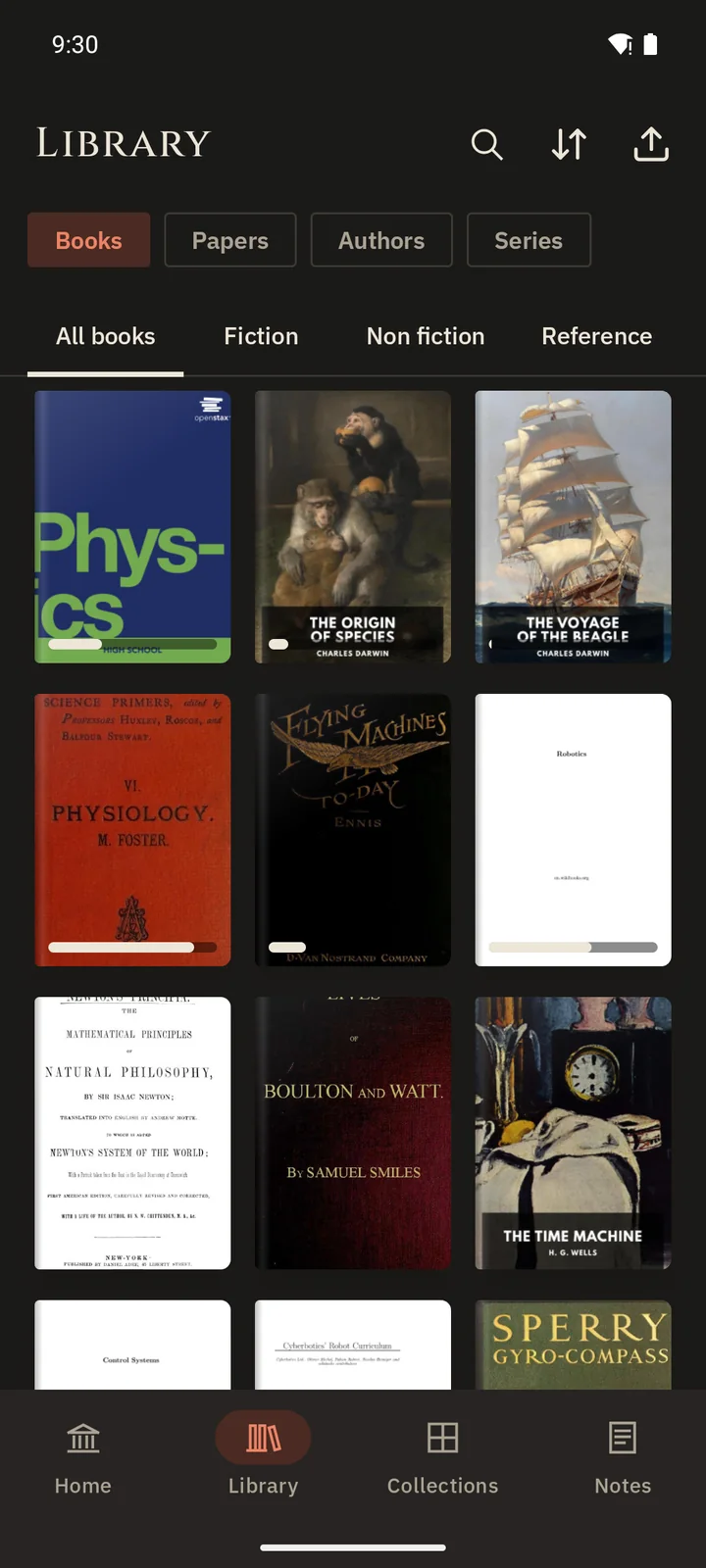
Browse your books, papers, authors and series, with the books you're reading first. Sort them, or search for a title.
Works with your computer
Reading on your phone and on your computer stays in step: put the book down on one, and pick it up on the other where you left off. See Work across your devices.
Needs sync
The mobile apps open your synced library; they don't keep a separate library of their own. To use them, turn on sync on your computer first. Books you download stay readable offline, and what you do offline syncs when you reconnect.