Appearance
The Library
The Library is everything you own in one place: books, papers and documents, each shown with its cover. Open it from the rail, or press Ctrl+Shift+L.
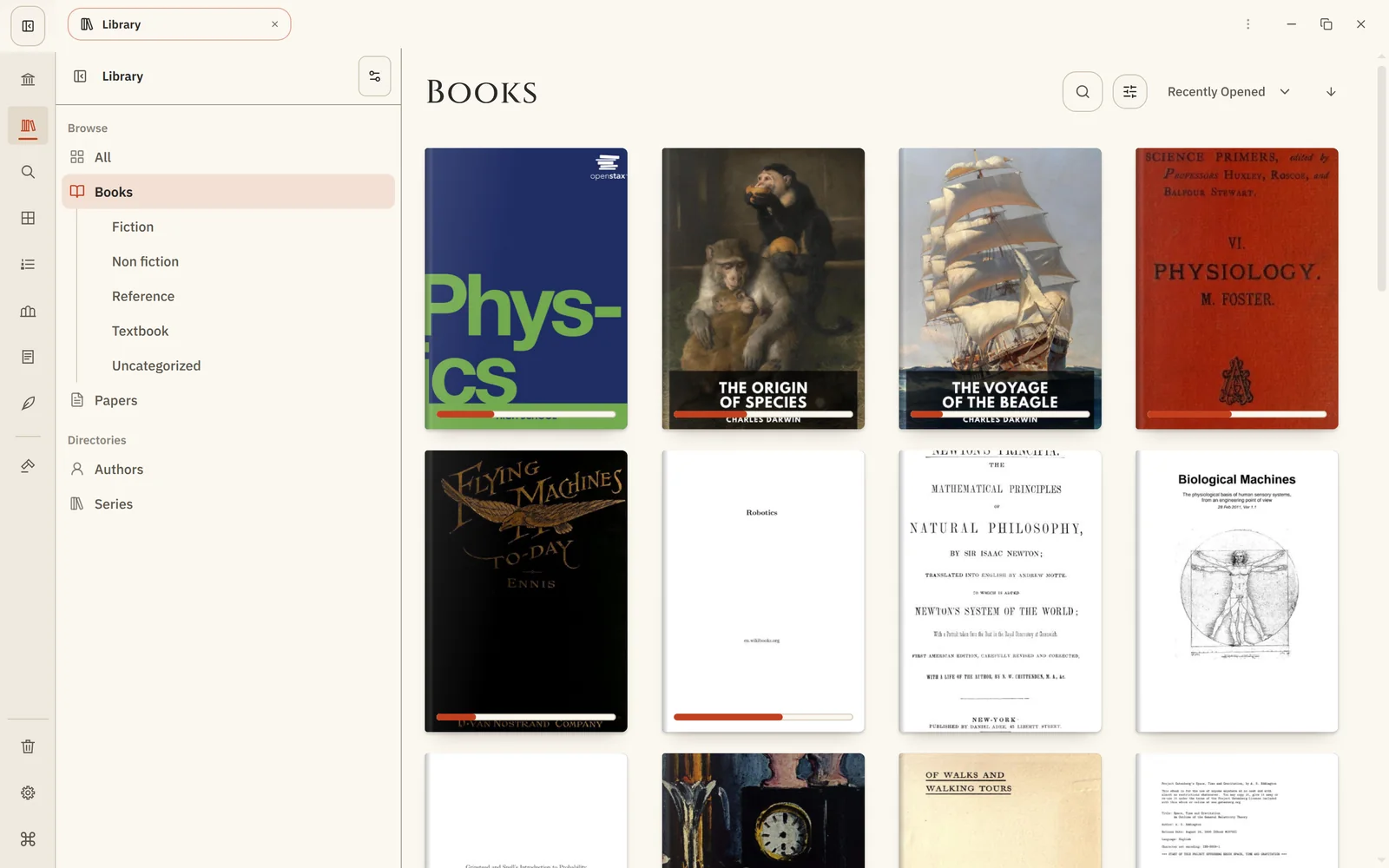
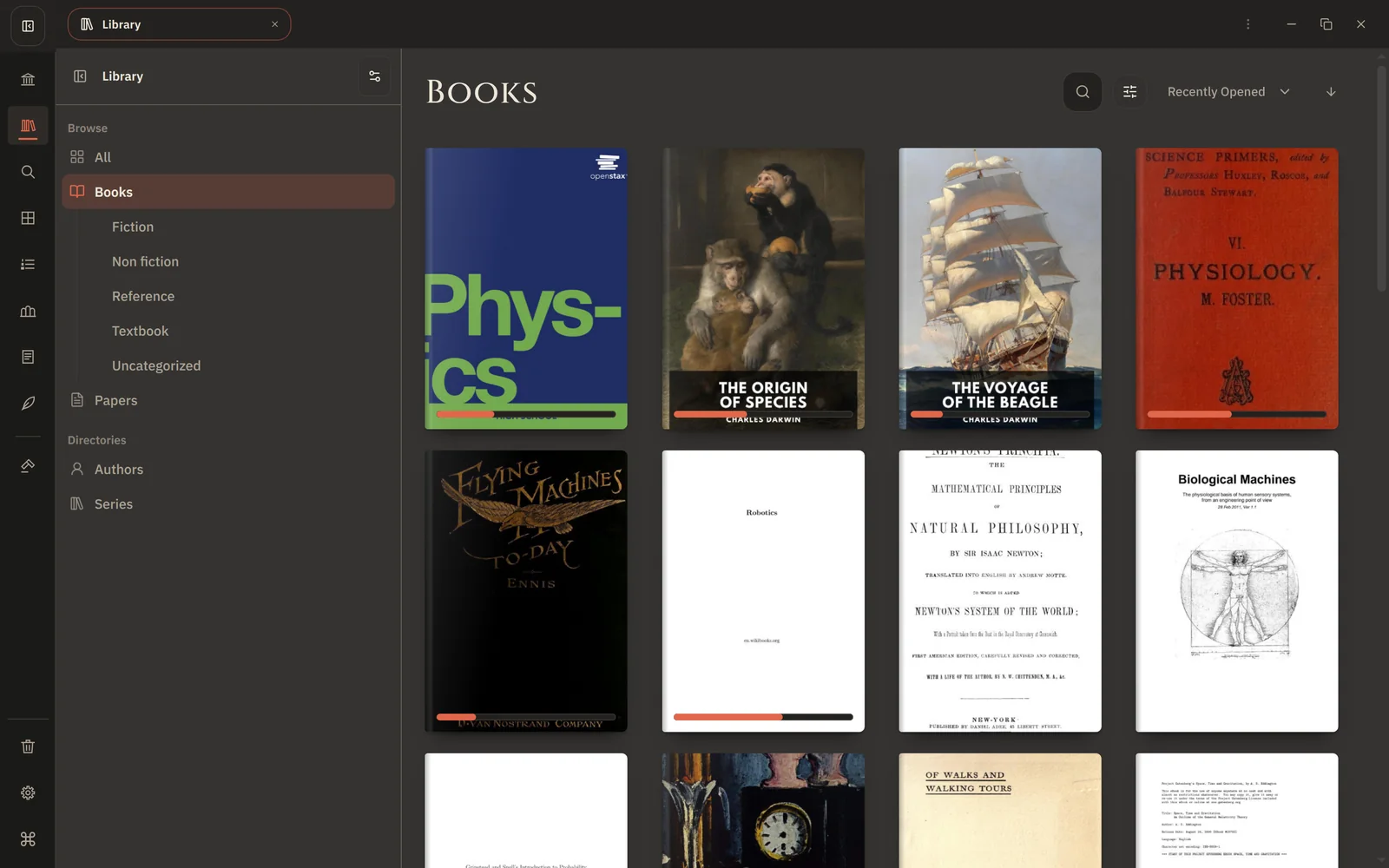
Books, papers, documents
The sidebar splits your library by kind:
| All | Everything together. |
| Books | Your books. |
| Papers | Research papers and articles. |
| Documents | Everything that is neither a book nor a paper. |
| Authors | Everyone whose work you own, with their works. |
| Series | Series, with their volumes in order. |
Open an author or a series to see all of their works, then open a book from there.
Arrange and sort
Each kind can be laid out its own way:
- Books: a grid, or grouped by domain and genre, author or series.
- Papers: a grid, or grouped by domain, venue, author or year.
- Documents: a grid, or grouped by domain or type.
Sort by Recently opened, Recently added or Title. Xandria remembers how you arranged the Library the next time you open it.
Find and filter
Type in the Library's field to narrow the shelf to matching titles, authors, subjects or genres as you type. To look inside the books themselves, use Search.
Filters narrow the shelf further:
- Reading status: unread, in progress or read.
- Availability: books already on this device, or not yet.
- Classification: one subject or topic from your library.
What you can do with a book
Click a cover to open the book where you left off. Right-click it, or use its ⋯ menu, for more:
- Open in new tab.
- Read later, Add to reading list… or Add to collection…: see Reading lists and Collections.
- Edit metadata…: correct its details and cover, see Book details and covers.
- Keep a copy on this device, or remove it again: see Read offline.
Where books come from
New books arrive through Manage Library → Import; see Add books and papers. The Library only shows them: your original files are never changed.