Appearance
Reading lists
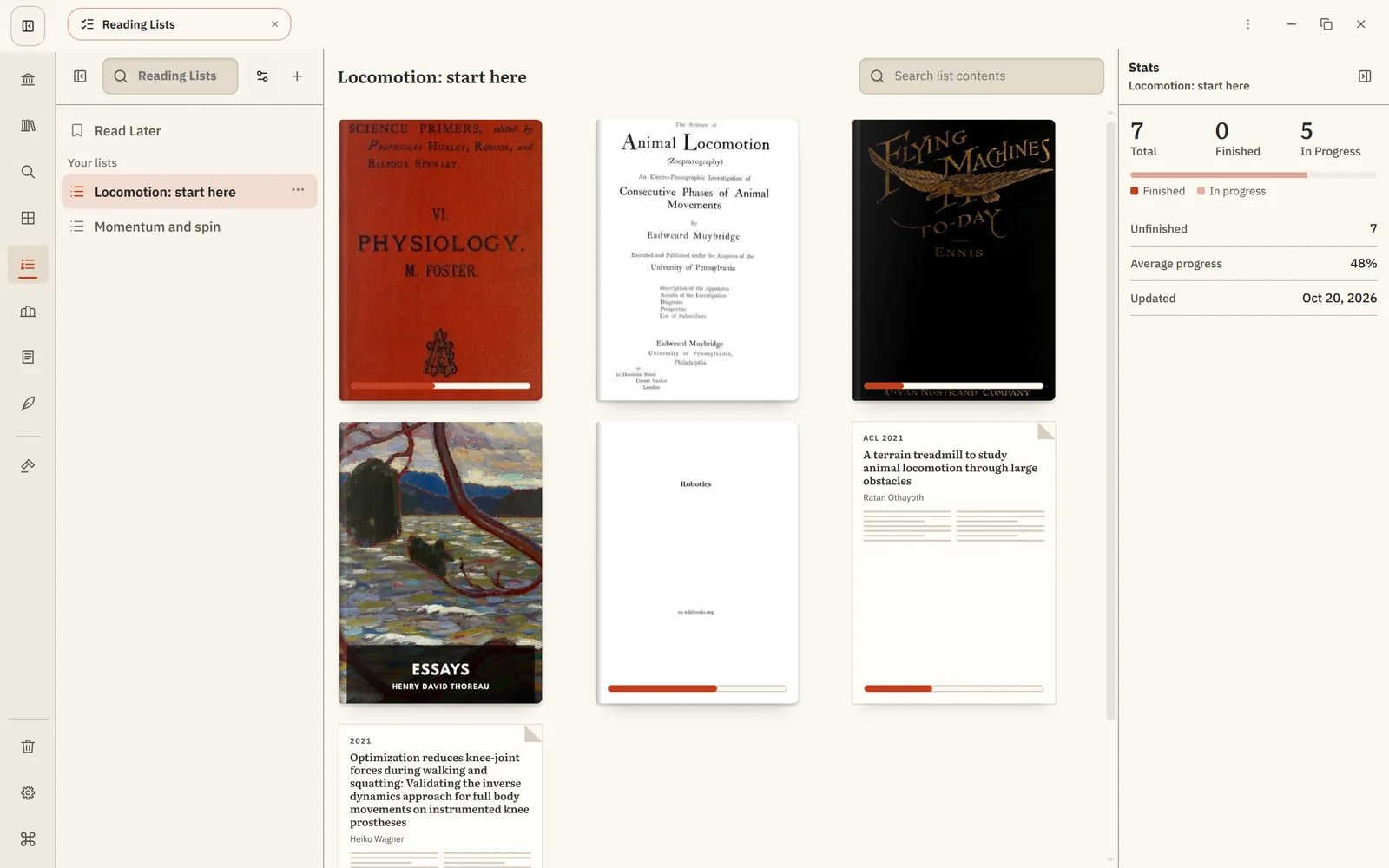
A reading list is a plan: the books and papers you mean to read, in order.
Read Later
Every library starts with Read Later, a quick place for anything you want to come back to. Right-click a book or paper and choose Read later. What you save appears on Home under Read Later.
Your own lists
Open Reading Lists from the rail and choose New Reading List, for example Course readings, week 3 or Before my thesis meeting.
- Add a book: right-click it anywhere and choose Add to reading list…, or drag it onto the list.
- Reorder entries by dragging them. New entries go to the end.
- Remove an entry from its menu. This only removes it from the list.
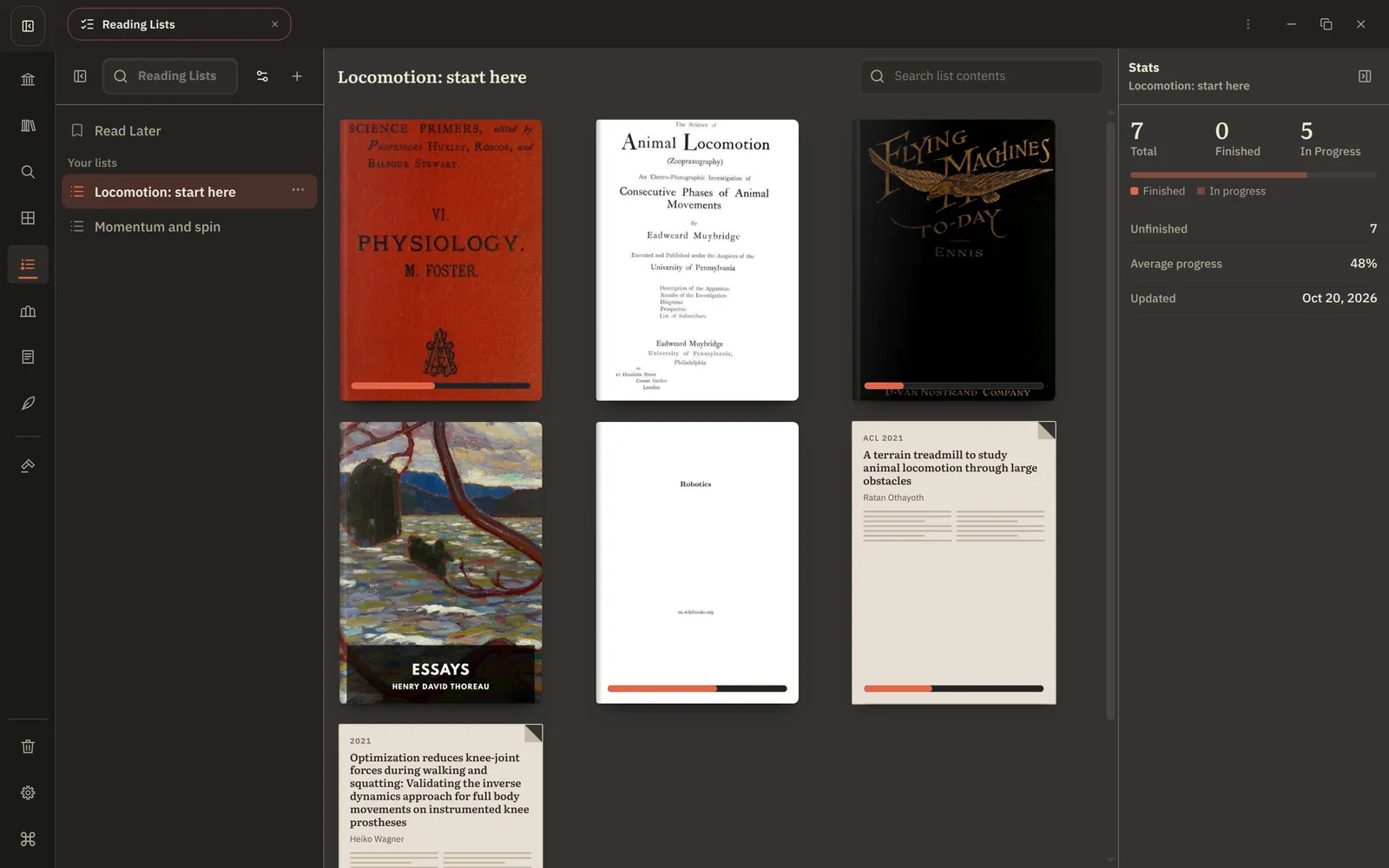
The panel on the right counts what's finished, in progress and left to read. Finished books stay in the list until you remove them.
Lists, Collections and Home
- Reading lists say what to read next, in order.
- Collections say what belongs together.
- Home shows what you are reading right now. It fills itself from your reading, so you never need to add anything to it.
A book can be in all three.
Next: Plan a reading list