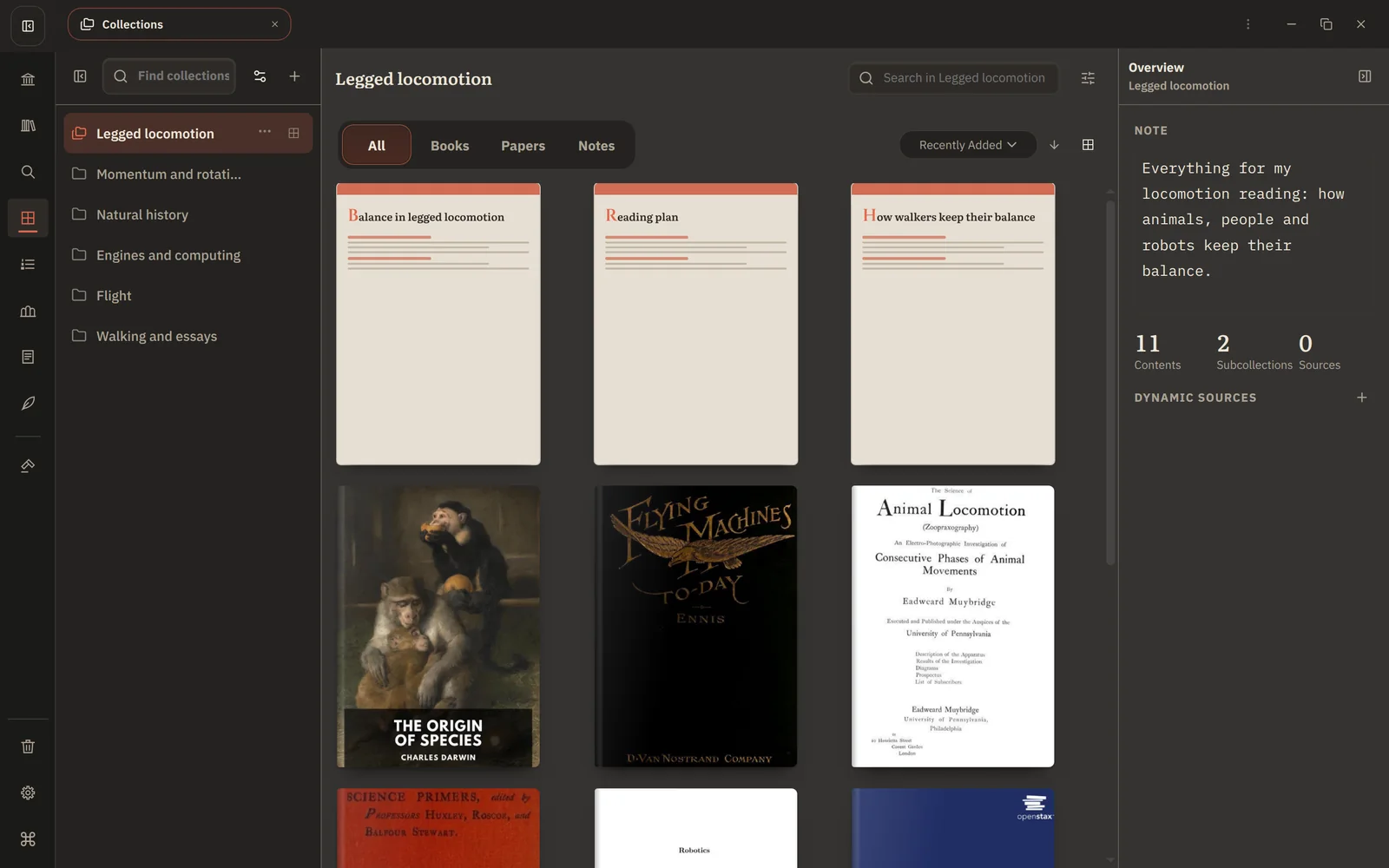
Appearance
Organize with Collections
You'll end up with one place for each course or project, holding its books, papers, notes and boards, and filling itself as you add material.
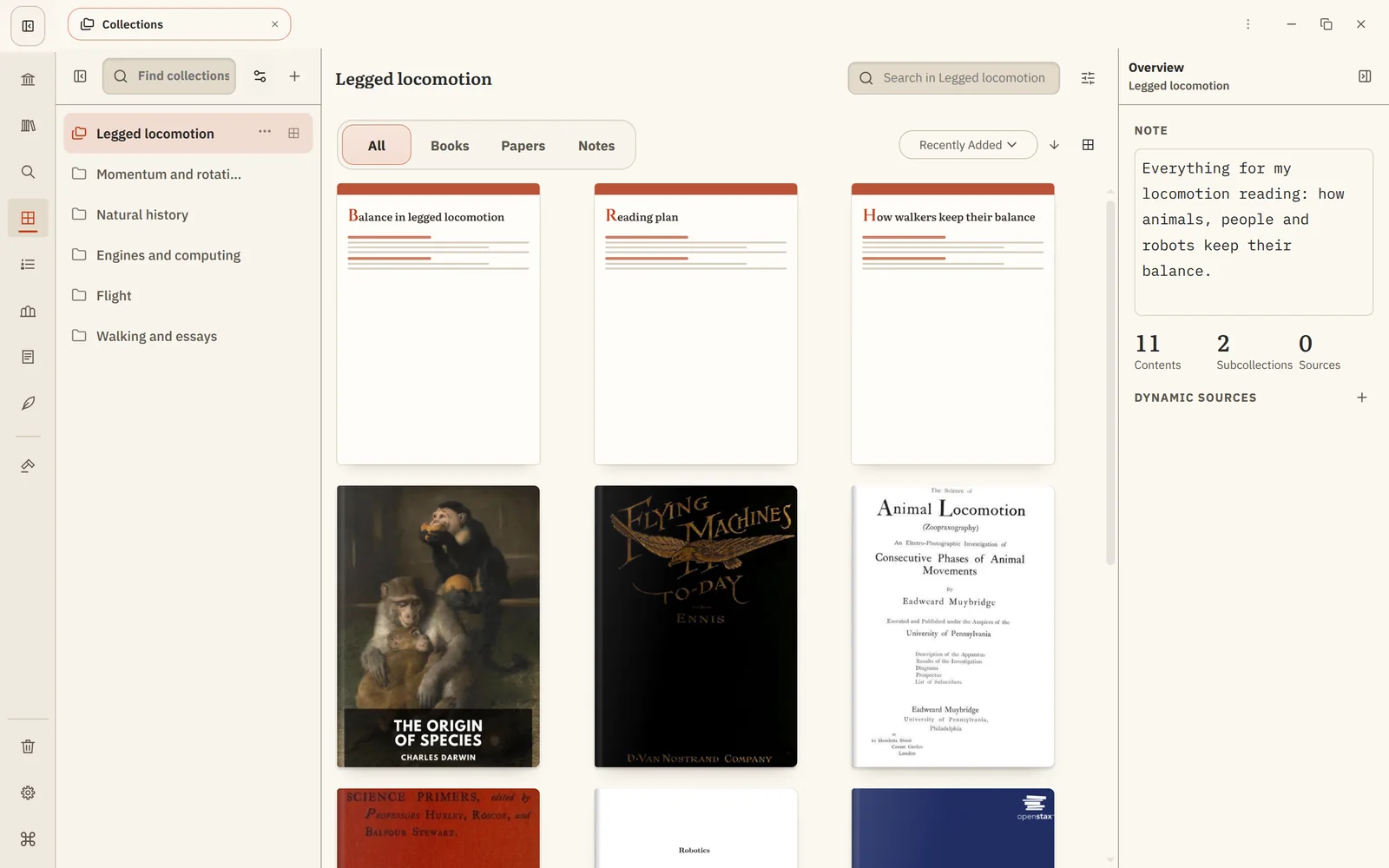
1. Create a Collection per project
Open Collections and choose Create collection, for example Legged locomotion. Add subcollections for parts of it, such as Papers, Background and Writing, with Create Subcollection.
2. Add what you already have
Right-click books, papers and notes anywhere (Library, Search, Notes, the reader) and choose Add to collection…. Or drag books onto a Collection. Add your Canvas boards too.
3. Let it fill itself
Choose Add Dynamic Source and add conditions, for example:
- Topic: Locomotion, to collect every paper on it;
- Author: Eadweard Muybridge, to collect his work;
- Tag: to-read, combined with Negate condition on Tag: done.
New material that matches appears on its own. Remove anything that doesn't belong, and it stays out.
4. Use it
- Open a Collection to see everything together, with Include subcollections for the whole tree.
- Search inside it from its own search box.
- Ask the Agent about "the papers in my Legged locomotion Collection".
5. Plan what to read next
When you know what to read first, add books to a Reading List as well. A Collection says what belongs together; a reading list says in what order.